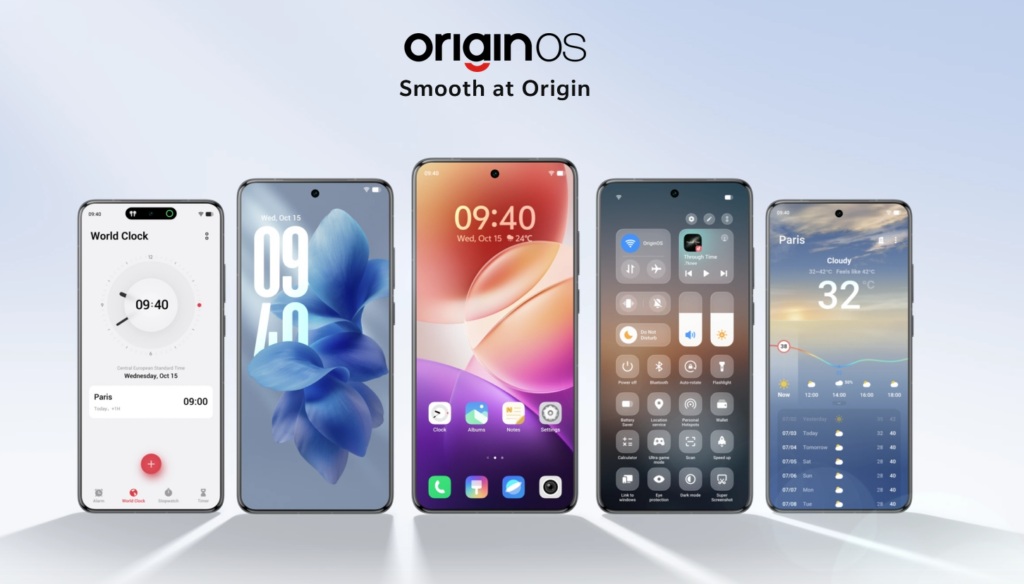
After updating my Vivo V60 to OriginOS 6, I can confidently say this is one of the biggest and most refined software upgrades Vivo has ever released. The update doesn’t just bring new features — it genuinely transforms the phone’s overall experience, visuals, performance, and productivity. I’ve been using it for a while now and here’s my complete review.
🚀 Fresh Design & Smoother Experience
OriginOS 6 introduces a completely refreshed UI that instantly feels cleaner and more modern. The new G2 rounded corners, smoother animations and improved title bars make every screen look polished. Even empty pages now look more refined thanks to reworked icons and effects.
The colour system has also been revamped, making the interface feel softer and more natural. Dark mode especially looks more consistent and much easier on the eyes.
Overall, the system feels visually premium — easily on par with the best Android skins today.
🎨 Themes & Personalisation (A Huge Upgrade)
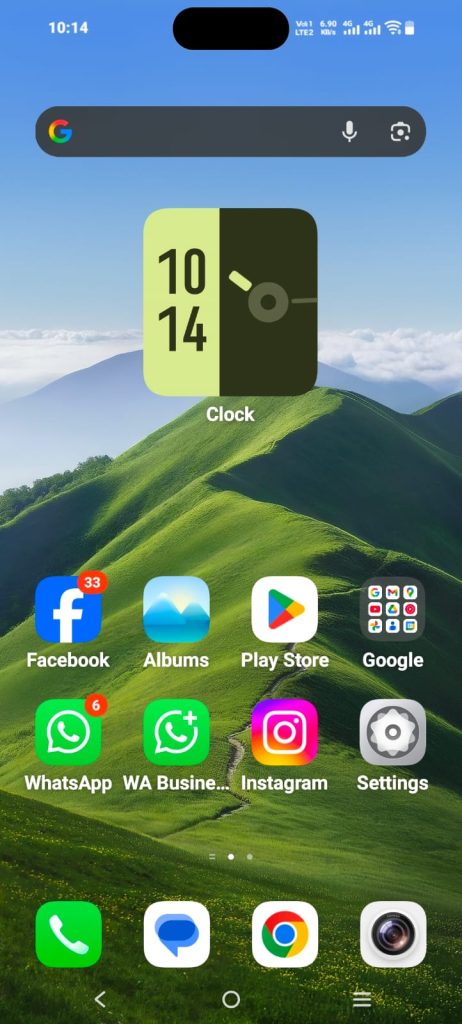
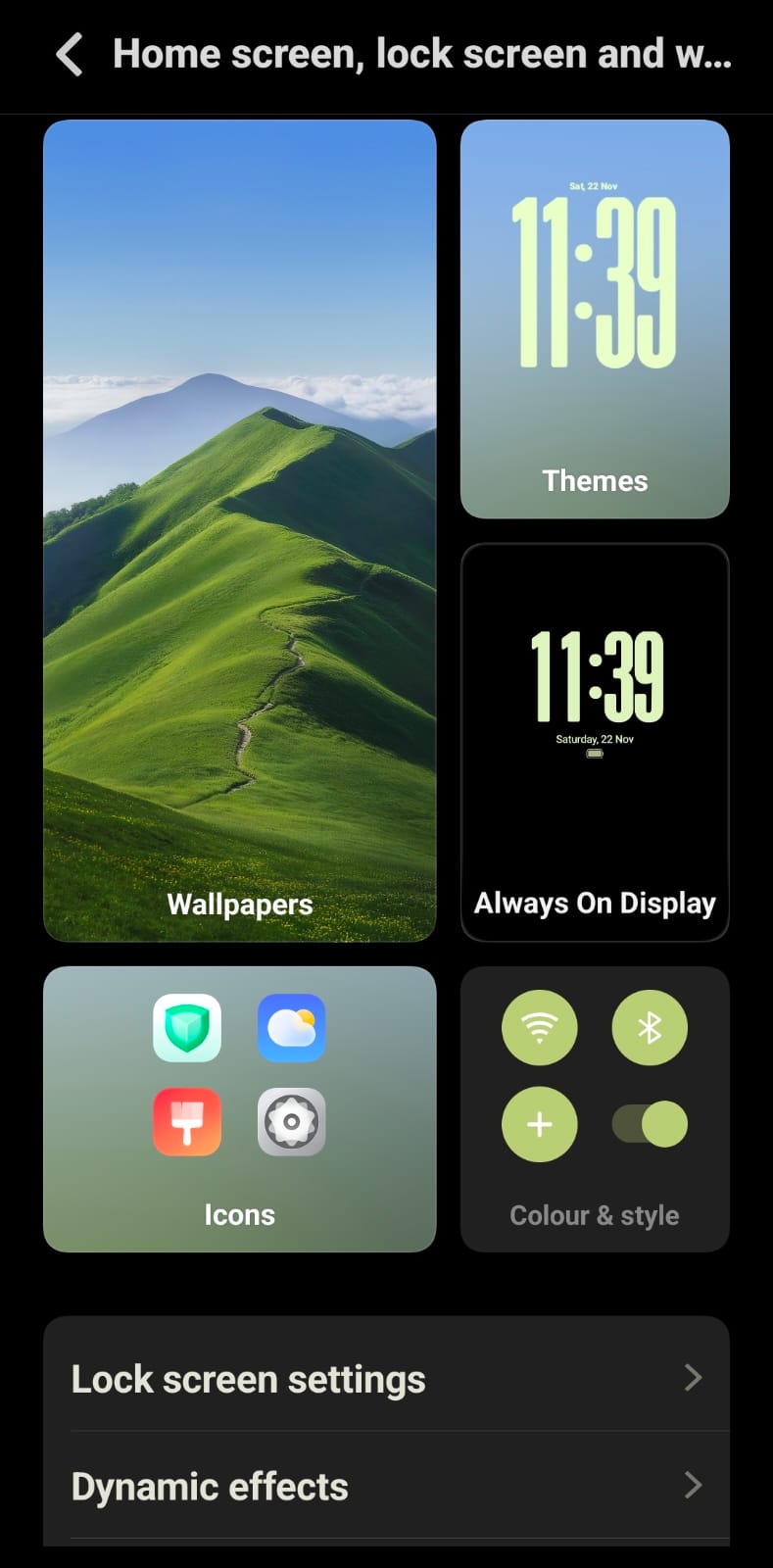
Customisation has gone to the next level. The new theme combinations, improved wallpaper settings, and interactive template switching make personalising the device surprisingly fun.
The new lock screen options are one of my favourite parts:
Classic + personalised clock styles
Adjustable font, weight, padding and even HSL colours
Moveable clock position
Lock screen kits for weather, battery, steps etc.
New notification display layouts (number, stack or list)
This is the most flexible lock screen Vivo has ever offered — and it really improves the overall experience.
🏡 Home Screen & Control Centre Improvements
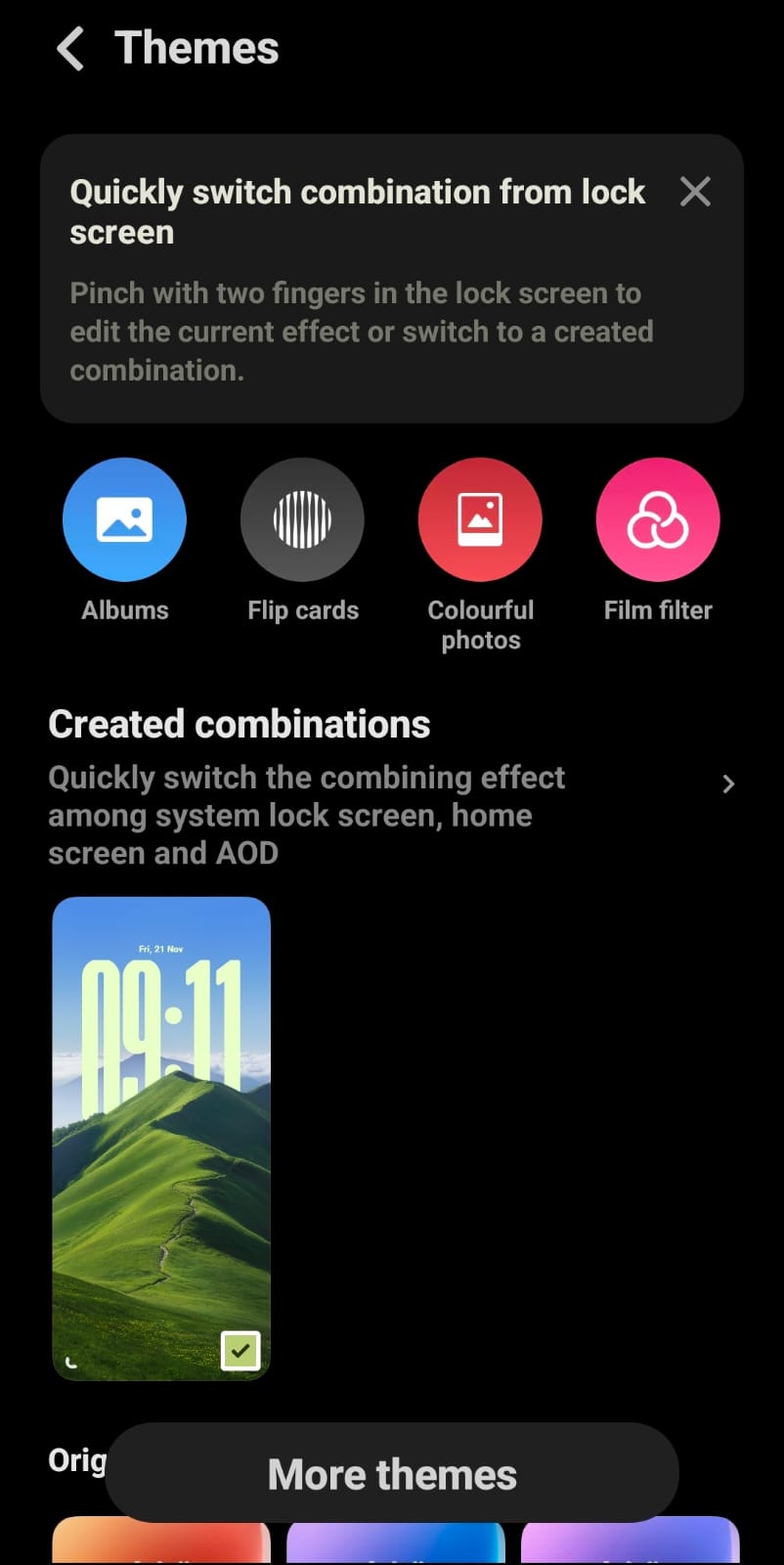
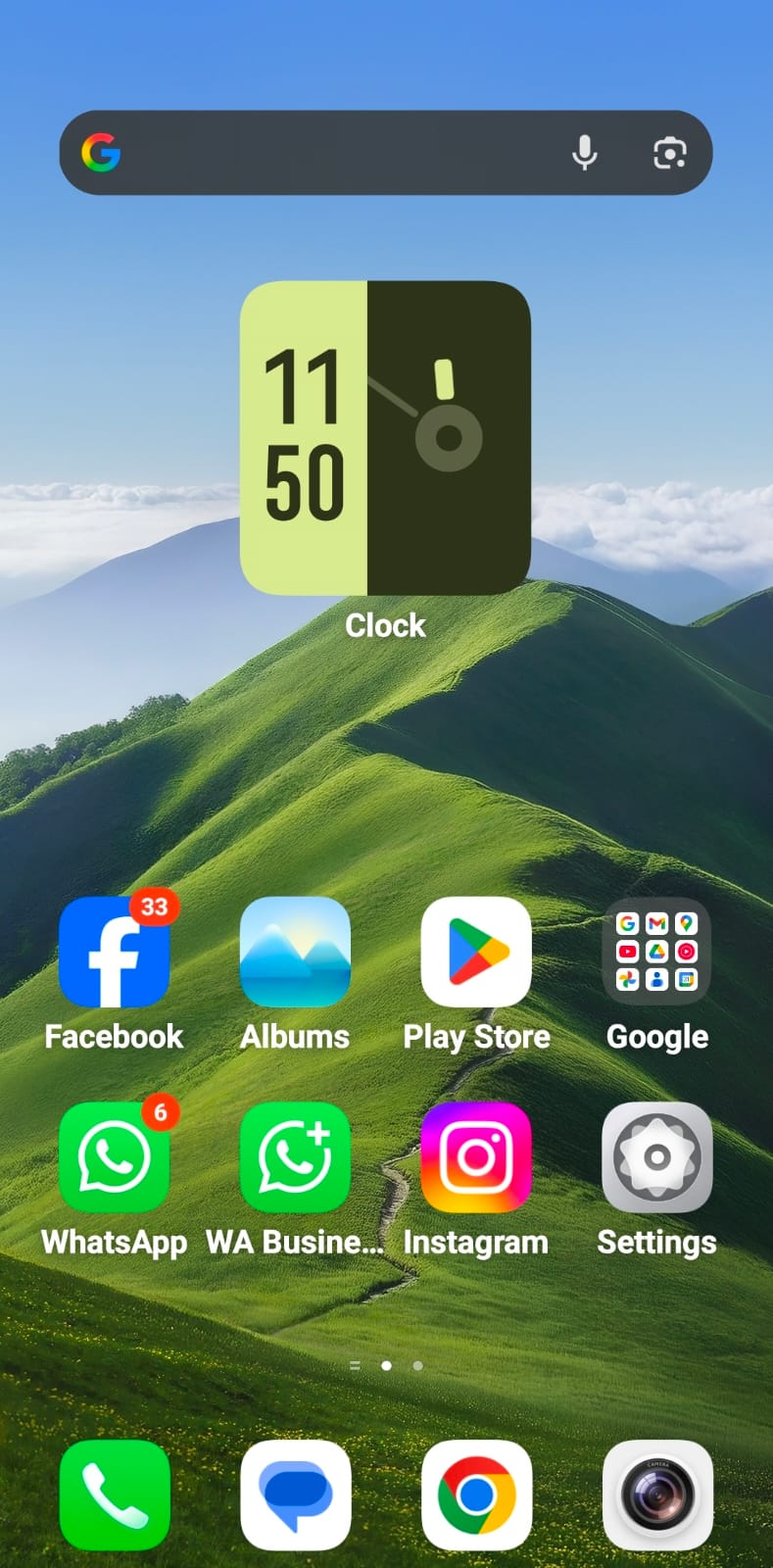
The new 4×7 layout, Klotski Grid and better folder controls make organising the home screen feel simpler and cleaner.
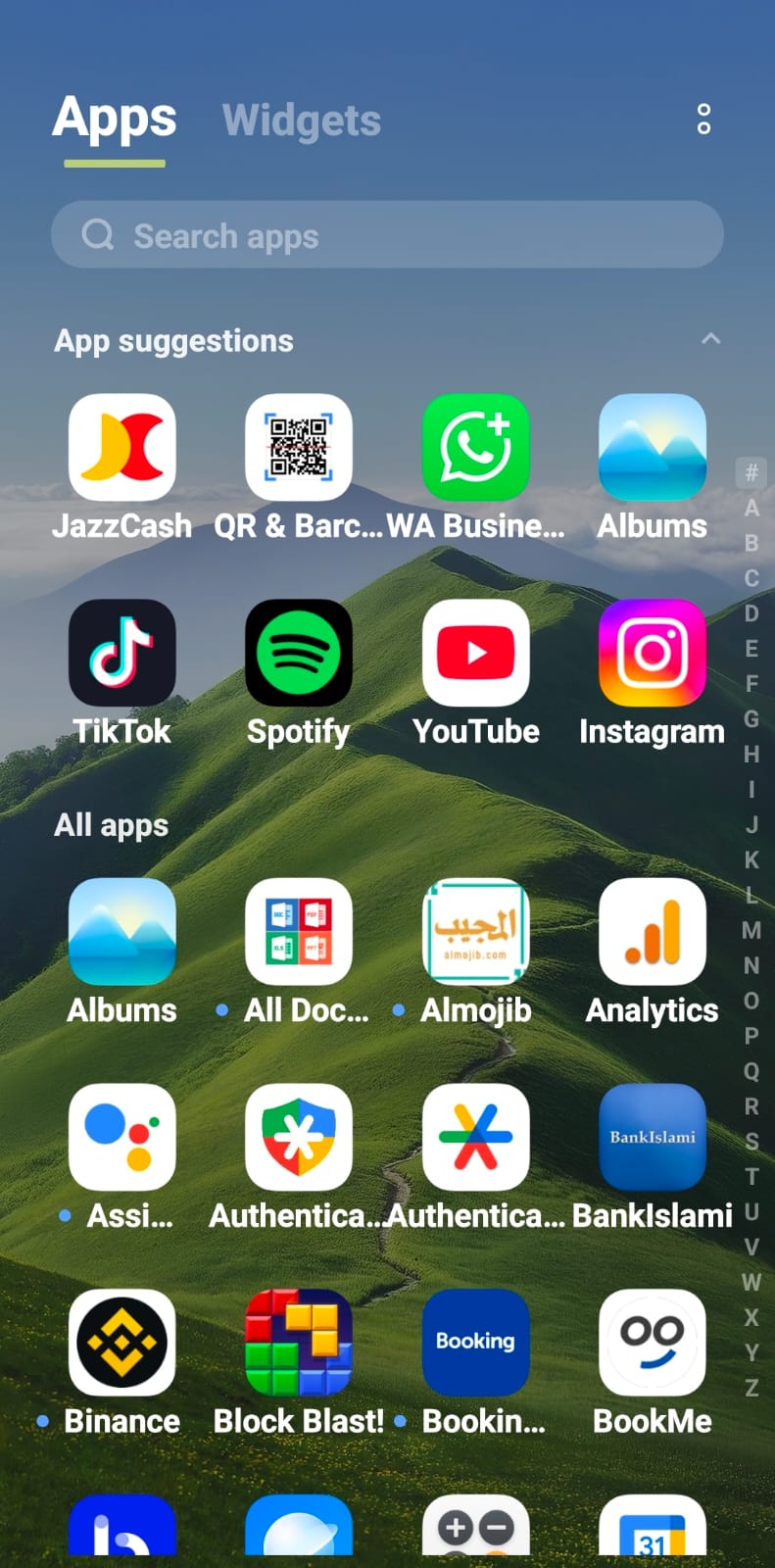
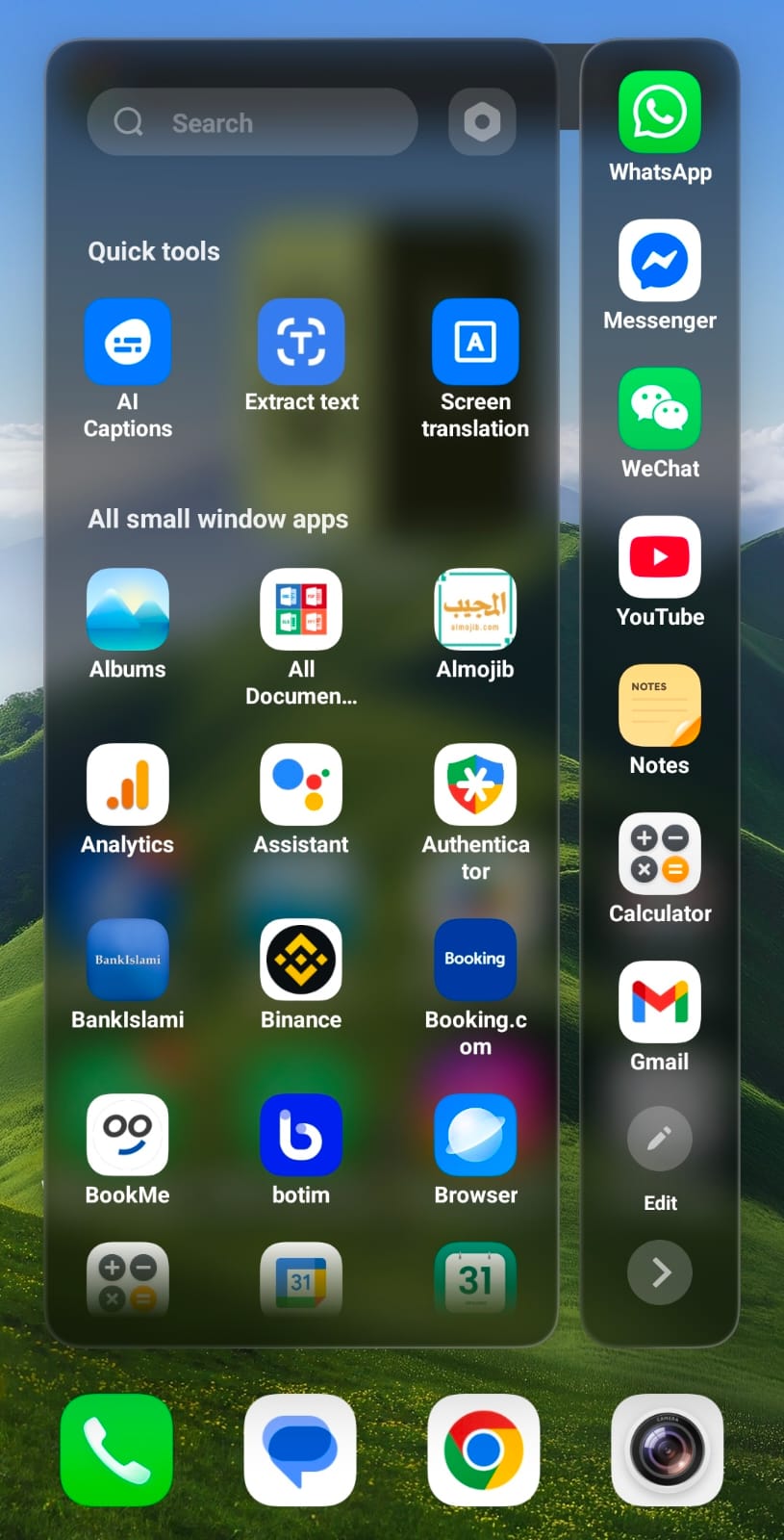
Drawer mode is much smarter now with:
App pinning
Folder creation
Batch operations
Time/location-based app suggestions
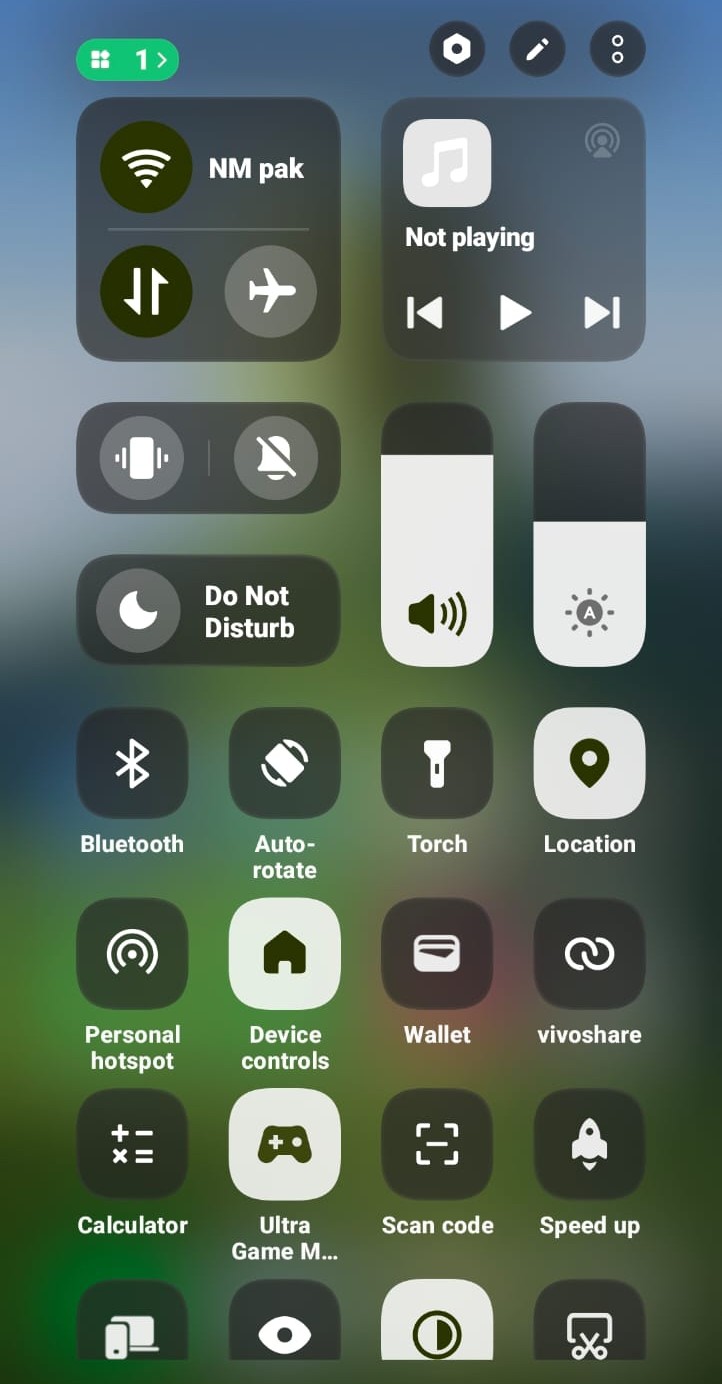
The biggest change is the separated Control Centre and Notification Centre, similar to iOS — swipe from the left or right. It looks cleaner and is much more efficient.
Must Read:
Vivo V60 Redefines Smartphone Design with Elegance and Innovation
⚡ Performance: Noticeably Faster
The Origin Smooth Engine really shines. After the update my V60 feels:
Faster in launching apps
Smoother in animations
More responsive to touch
Better at handling multitasking
The new dual-rendering system and super-core computing make everything feel snappy, with almost zero stutters. Even loading large photo albums has become instant thanks to the “storage VIP channel”.
Charging, unlocking and USB animations also feel more modern and fluid now.
🟡 Origin Island: Smart & Useful
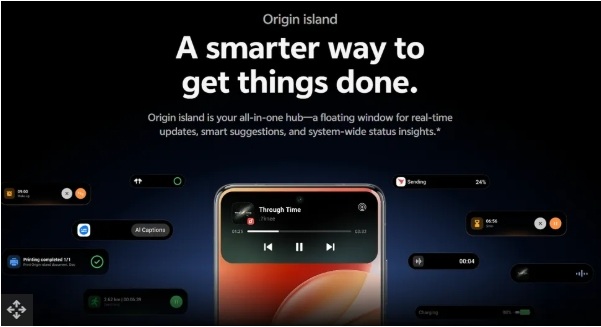
Origin Island is a new feature I quickly came to appreciate. It acts like a small interactive pop-up for:
Notifications
Music playback
App suggestions based on copied text
Travel and meeting reminders
It feels intelligent and helps me access information quicker without fully opening apps.
 💼 Office Kit & Productivity Tools
For people who work across devices, this update is a game changer.
The new Office Kit allows:
Screen mirroring to Windows & Mac
Cross-device file transfer (fast & unlimited)
Super Clipboard (copy from phone → paste on PC)
Task handoff (continue what you were doing on your PC)
Plus, the new vivo DocMaster supports almost all document types, editing and PDF conversions.
The updated Notes app, multi-level folders, and new File Manager make daily organisation truly seamless.
📸 Albums & Photo Tools
Albums now have:
Bottom navigation bar for quick switching
Reversible edits
Better live photo editing
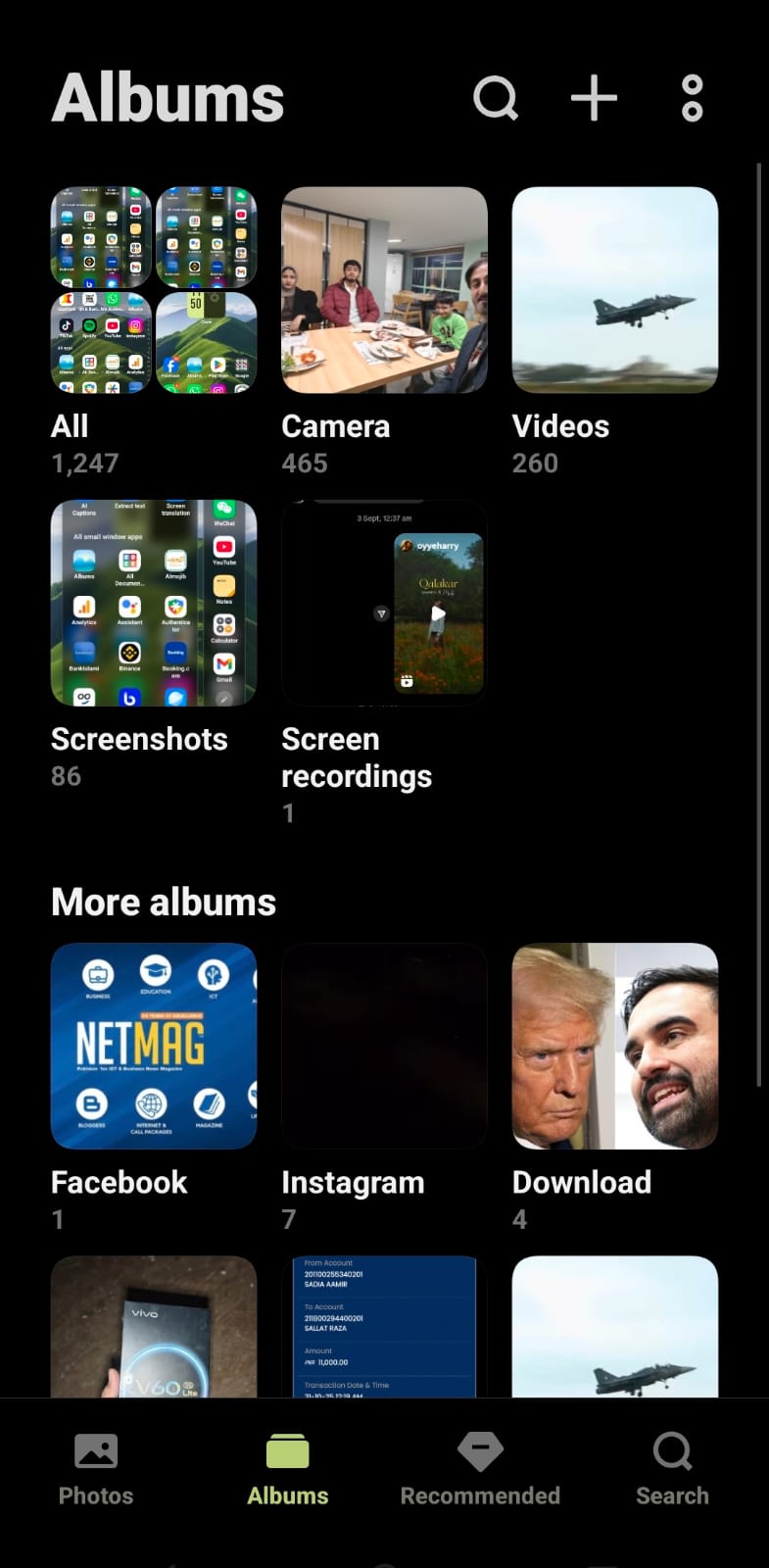
Video → live photo & video → image conversion
Editing photos or videos feels more intuitive and professional.
🔋 Battery Life Improvements
Battery performance has improved due to the new energy efficiency engine and better system resource management.
Apps load smoother while consuming less power, and background processes feel more controlled.
Vivo OriginOS 6 Review on Vivo V60: Smoother, Smarter, and Stunningly Refined
🔐 Privacy & Security
OriginOS 6 also introduces:
Private Space → separate environment for private apps & files
Blank data authorisation → apps get limited, dummy access for privacy
These changes genuinely enhance digital security without sacrificing usability.
👁️ Eye Comfort & Motion Cues
Motion Cues are helpful for people who get motion sickness on buses or cars. The updated eye protection and dark mode improvements make long-term usage much more comfortable.
🏁 Final Verdict: A Truly Impressive Update
After using OriginOS 6 on my Vivo V60, I’m honestly impressed with how much thought Vivo has put into this upgrade. It’s not just cosmetic — it’s a complete refinement of performance, design, privacy, productivity and usability.
Every area of the phone feels improved: ✔ Faster
✔ Smoother
✔ Smarter
✔ More customisable
✔ More secure
✔ More connected with PC/Mac
✔ Better battery and visuals
This update has genuinely enhanced my daily experience with the V60, and I’m thoroughly enjoying the new features.
If you’re using a compatible device, I highly recommend installing OriginOS 6 — it feels like using a brand-new phone.