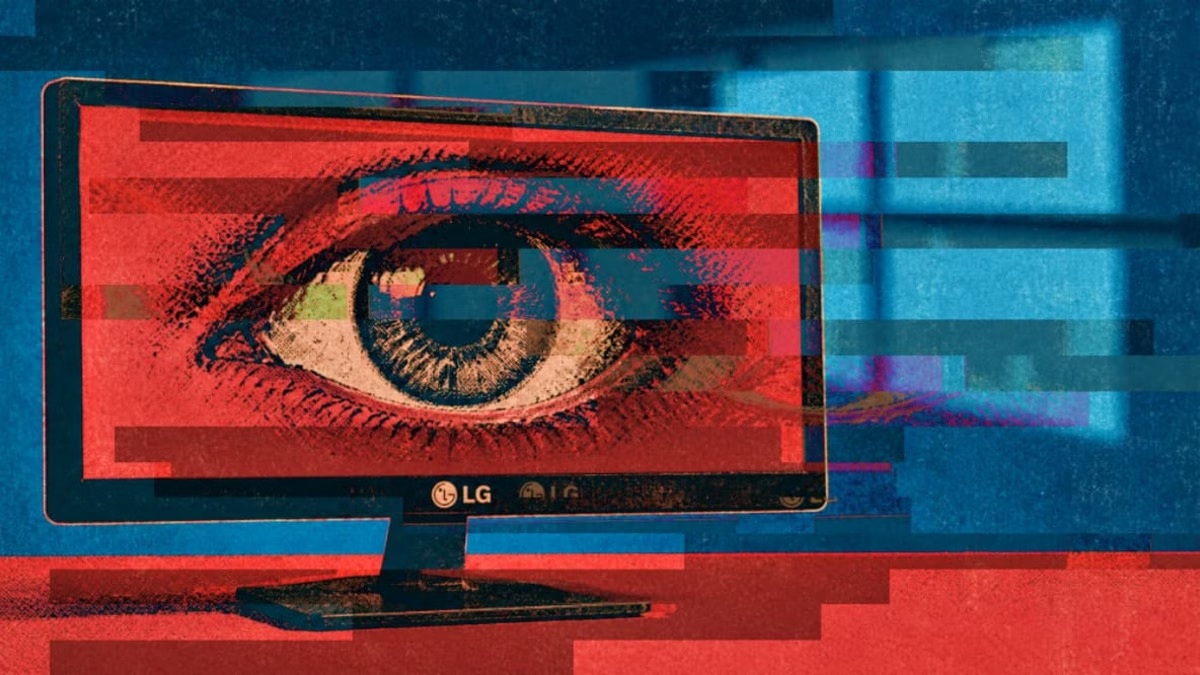
LG has come under scrutiny after reports revealed that some of its monitors can automatically trigger the installation of unwanted software on Windows PCs. Security researchers and users claim the monitors use Microsoft’s Hardware Support App (HSA) framework to install LG software—and in some cases, McAfee promotional software—without asking for user permission.
How the Software Gets Installed
The issue affects certain LG monitors connected to Windows 11 systems. Once the display is detected, Windows Update may automatically download and install the LG Monitor App Installer, a feature enabled through Microsoft’s Hardware Support App system.
Researchers found that the application can display advertisements encouraging users to install McAfee security software, leading many to describe the behavior as unwanted adware rather than a helpful utility.
Privacy Concerns Raised
The controversy extends beyond advertisements. Critics point out that the LG Monitor App requests broad system permissions, prompting concerns about user privacy and transparency.
While there is no confirmed evidence that the application acts as malicious spyware or steals personal data, privacy advocates argue that software with extensive system access should never be installed without a user’s explicit consent.
LG Yet to Issue a Detailed Response
The reports have sparked criticism across the PC community, with many users questioning why software is installed automatically when connecting a monitor. At the time of writing, LG has not publicly provided a detailed explanation addressing the concerns raised by reviewers and security researchers.
READ MORE: Iran Strikes US Bases in Bahrain, Kuwait, and Jordan as Gulf Conflict Escalates
How Users Can Prevent It
Users who want to avoid automatic installations can:
- Disable automatic Hardware Support App installations in Windows where supported.
- Uninstall the LG Monitor App and any unwanted software after installation.
- Review Windows Update settings and installed applications regularly.
- Keep Windows and security software updated to maintain system protection.
The incident highlights growing concerns over automatic software installations bundled with PC hardware and underscores the importance of giving users greater control over what gets installed on their systems.